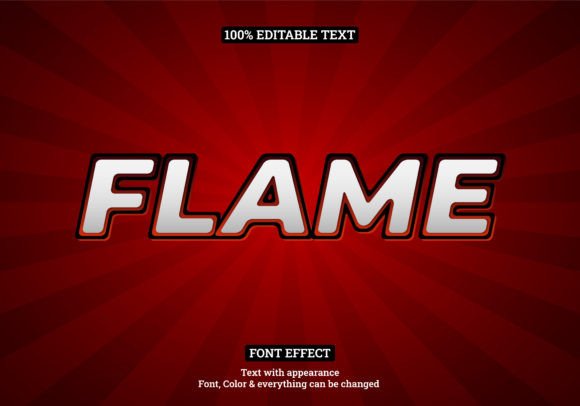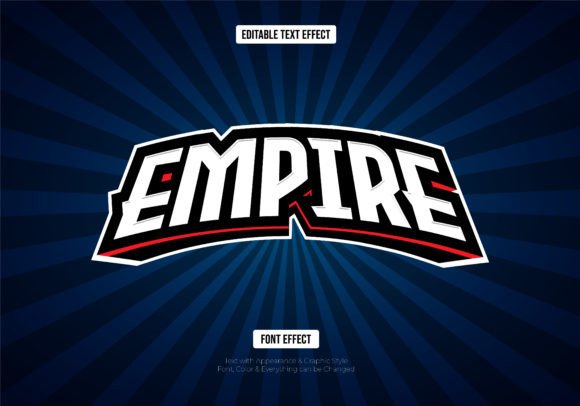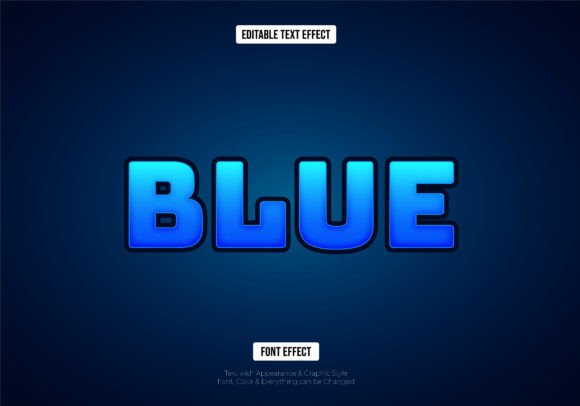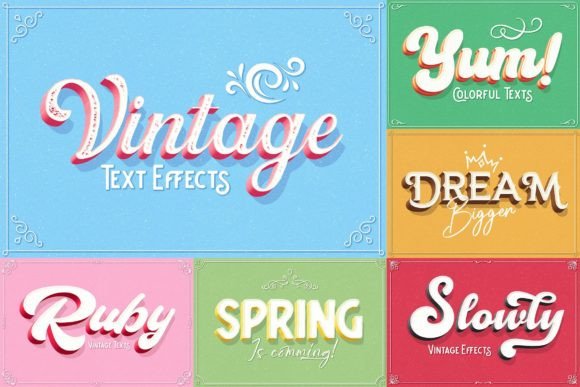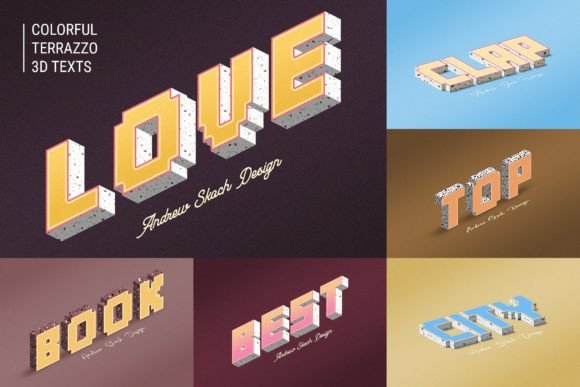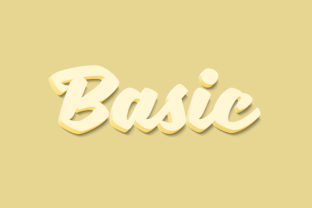
Basic 3D Text Style Effect
Creating professional-looking 3D text used to mean wrestling with complex 3D software, spending hours on render times, or settling for flat, uninspired typography. The Basic - 3D Text Style Effect changes that entirely. It is a ready-to-use Photoshop template that delivers a polished, dimensional text treatment without requiring any specialized 3D skills. You get a fully layered PSD file, sized at 3000×2000 pixels at 300dpi, which means your output is print-ready straight out of the box. Whether you are designing a poster, a social media header, a logo mockup, or a presentation slide, this effect gives your words depth and presence in seconds.
What makes this resource genuinely useful is how it strips away the friction. Instead of building shadows, bevels, lighting angles, and texture overlays from scratch, you open the file, double-click a smart object, type your text, save, and you are done. The effect handles the rest. For anyone who needs consistent, high-quality 3D typography--especially under tight deadlines--this is a practical shortcut that does not compromise on quality.
What Makes This 3D Text Effect Stand Out
The Basic - 3D Text Style Effect is built around smart object replacement, which is the cornerstone of its ease of use. The entire design lives inside a single PSD file, organized into clearly labeled layers. You never have to hunt for the right layer or worry about breaking the effect. The smart object workflow is straightforward: locate the layer labeled for your text, double-click its thumbnail to open a new window, replace the placeholder content with your own text or shape, then save and close. The effect updates automatically.
Here are the core characteristics that define this resource:
- Smart Object Replacement - You edit the content without altering the applied styles. This non-destructive workflow means you can reuse the effect hundreds of times with different text.
- Editable and Organized Layers - Every element--shadows, highlights, textures, base text--sits in its own folder. If you want to tweak the depth, color, or lighting, you can do so without digging through a mess of unnamed layers.
- 3000×2000 Pixels at 300dpi - This resolution covers everything from large-format prints to high-resolution digital displays. You are not limited to web-only use.
- PSD CS5 or Higher Compatibility - The file works across a wide range of Photoshop versions, so you do not need the latest subscription to open it.
- Includes Preview and Font Link - A preview JPG helps you see what you are working with, and the Read Me.txt includes a direct link to the recommended font, saving you the hassle of searching.
These features might sound technical, but they translate into real time savings. Instead of spending 20 minutes setting up layer styles for every new project, you spend 20 seconds updating a smart object.
Professional and Commercial Use
If you work in marketing, branding, or communications, you need visuals that grab attention fast. The Basic - 3D Text Style Effect fits naturally into campaigns where headlines need to pop. Imagine designing a promotional banner for a product launch. The 3D depth draws the eye, and the clean, organized file lets you swap out text for different products or offers in minutes. Freelancers handling multiple clients can keep a library of these effects and deploy them without rebuilding from scratch each time.
Business owners who manage their own marketing materials also benefit. You do not need to be a Photoshop expert to get professional results. The smart object workflow is forgiving enough that a first-time user can produce effective 3D typography on their first try. That independence saves money and time.
Creative and Personal Projects
For designers, illustrators, and hobbyists, this effect serves as a flexible building block. You are not locked into a single look. Because the layers are editable, you can change the color overlay, adjust the shadow intensity, or combine the 3D text with other effects. It works well for YouTube thumbnails, Twitch overlays, event posters, or even personal branding like logo animations. The 3000×2000 canvas gives you room to add background elements, illustrations, or photographs around the text.
Educators and bloggers can use it to create engaging titles for course materials, infographics, or featured images. A bold 3D headline immediately signals importance and helps structure visual hierarchy on a page.
Real-World Benefits You Can Expect
Let me walk through a few concrete scenarios to show how this resource plays out in practice.
Scenario 1: A Freelance Designer with a Tight Deadline
A client needs a last-minute social media campaign for a weekend sale. They want bold, dimensional text that says "Flash Sale." Instead of starting from zero, you open the Basic - 3D Text Style Effect, double-click the smart object, type "Flash Sale," choose a bold sans-serif font from the provided link, save, and close. The entire process takes under two minutes. You then add a background, export the sizes you need, and send the files. The client gets consistent, high-quality artwork without waiting hours.
Scenario 2: A Small Business Owner Building Their Own Brand
You run a local coffee shop and want to create promotional flyers for a new seasonal drink. You have Canva experience but limited Photoshop knowledge. The organized layers in this file make it approachable. You open the PSD, find the text layer, and type your headline. The 3D effect gives your flyer a polished, professional look that competes with bigger chains. The included preview JPG helps you visualize the final result before you print.
Scenario 3: A Content Creator Producing Weekly Videos
Consistency matters for thumbnails and channel art. Using the same 3D text effect across a series creates a recognizable visual style. You can set up a template with your channel name and episode titles, tweaking the text for each new upload. The smart object workflow means you never accidentally alter the effect settings. Over time, that reliability pays off in saved editing hours.
Practical Considerations When Using This Resource
While the Basic - 3D Text Style Effect is designed for simplicity, a few tips will help you get the most out of it.
- Choose the Right Font - The Read Me.txt includes a link to a recommended font. Using that font ensures the effect looks as intended. If you substitute a different typeface, check that it has enough weight and clarity. Thin or overly intricate fonts can get lost in the 3D depth.
- Work with the Canvas Size - At 3000×2000 pixels, you have plenty of resolution for print. If your project is purely digital, you can scale the file down. Keep a copy of the original PSD untouched so you always have the full-resolution version available.
- Experiment with Layer Adjustments - The effect includes a shadow layer, highlight layer, and base text layer. If you want a softer look, reduce the opacity of the shadow. If you want more metallic feel, add a gradient overlay to the text layer. These tweaks are safe because the layers are separate.
- Save Your Edits as a New File - When you open the smart object and change the text, that change is saved inside the main PSD. If you want to keep the original placeholder text intact, duplicate the PSD file before editing.
How to Use the Basic 3D Text Style Effect
The workflow is intentionally minimal. Here is the step-by-step process you will follow each time:
- Open the PSD file in Photoshop CS5 or higher.
- Locate the smart object layer labeled for text. It is usually named something like "Double-Click to Change."
- Double-click the layer thumbnail. A new tab or window opens with the placeholder content.
- Change the placeholder text to your own. You can also insert shapes or graphics if needed.
- Adjust the font type, size, and color as desired.
- Save the smart object window (Ctrl+S or Cmd+S) and close it.
- The main PSD updates automatically with your new text rendered in the 3D style.
- Save the main file to keep your changes.
That is the entire process. No hidden steps, no complicated menus. Even if you are new to Photoshop, the smart object workflow is forgiving and intuitive.
What You Get in the Package
When you download the Basic - 3D Text Style Effect, you receive three items:
- PSD File - The fully layered, editable master file. Compatible with Photoshop CS5 and above.
- Preview JPG - A rendered preview so you can see the effect at a glance before editing.
- Read Me.txt - Contains a direct link to download the recommended font. Using this font ensures your text matches the intended design.
Having the font link included is a small but thoughtful detail. It removes the guesswork and ensures consistency between the preview and your final output.
Final Thoughts on the Basic 3D Text Style Effect
Resources like this one earn their place in a designer's toolkit by solving a specific problem: creating dimensional typography quickly without sacrificing quality. The Basic - 3D Text Style Effect does exactly that. It is not trying to be the most elaborate or experimental text effect on the market. Instead, it delivers a reliable, professional look that works across a wide range of projects. The organized layers, smart object replacement, and high resolution make it suitable for everything from social media graphics to printed posters.
If you are tired of building 3D text from scratch or need a consistent base for your headlines, this resource offers a practical, time-saving solution. Open the file, type your text, and let the effect do the work.