Why a Birthday Celebration Flyer or Poster Is Still Your Best Marketing Tool
Planning a birthday party, a club night, or a New Year's Eve event involves countless decisions: the venue, the guest list, the menu, the music. But before anyone walks through the door, they need to know the party exists. That is where a well-designed Birthday Celebration Flyer or Poster becomes indispensable. In an era dominated by Instagram stories and TikTok videos, some might assume print-style flyers are outdated. Yet the opposite is true. A striking, editable party flyer template gives you a tangible, shareable asset that cuts through digital noise. Whether you distribute it as a high-resolution PDF, post it on social media, or print it for local bulletin boards, a professionally crafted flyer commands attention in ways a simple text post cannot.
Modern party flyer templates—especially those in PSD format—offer incredible flexibility. You can swap out backgrounds, adjust typography, and insert your own photos. The result is a customized promotion that feels personal and polished. For event organizers, small business owners, and even parents organizing a child's birthday, having a template that is both editable and instant-download saves time and money. No need to hire a graphic designer for every single event. With the right template, you become the designer.
What Makes an Editable Party Flyer Template So Useful?
The primary advantage of an editable party flyer template is control. You are not locked into someone else's vision. A good template comes with organized layers, clear labeling, and a resolution that supports both digital and print use. For instance, a PSD file set to 2000 x 3000 pixels at 300 dpi gives you sharp, clean output whether you print at 4x6 inches or display it on a large monitor. The color mode is typically RGB, which is ideal for screens, but you can convert to CMYK for professional printing if needed.
When evaluating a template, look for these qualities:
- Organized layers – Each element (background, text, images, effects) sits on its own layer. You can hide, lock, or rearrange them without breaking the design.
- Editable text – The font is embedded or referenced, and you can select any text with the Type tool to replace it with your own wording. No need to hunt through menus for obscure settings.
- Smart object placeholders – Insert your own photo by double-clicking a smart object layer. This preserves the original effects (drop shadows, glows, overlays) and keeps the design cohesive.
- Instant download – You receive the file immediately after purchase, which is critical when you are planning an event on a tight timeline.
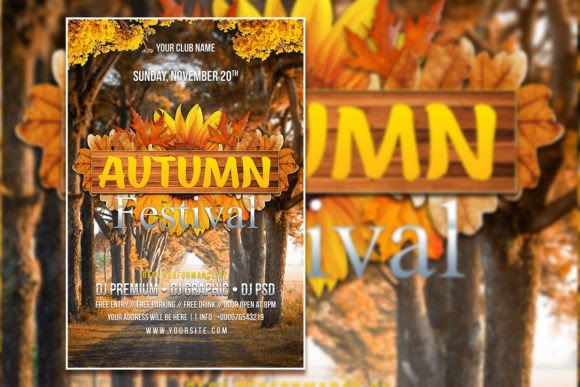
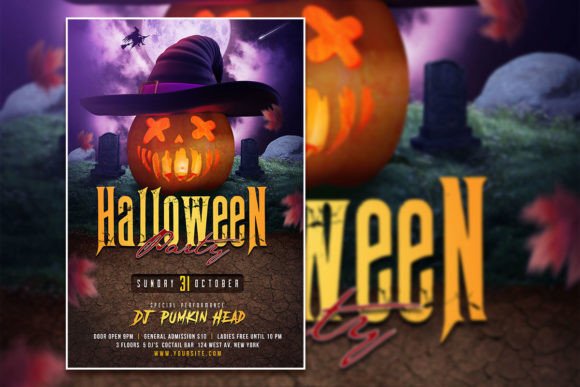
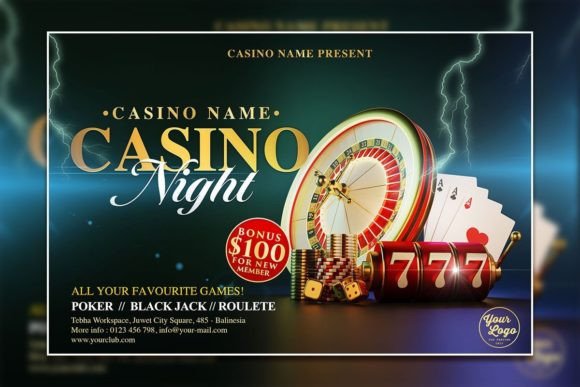
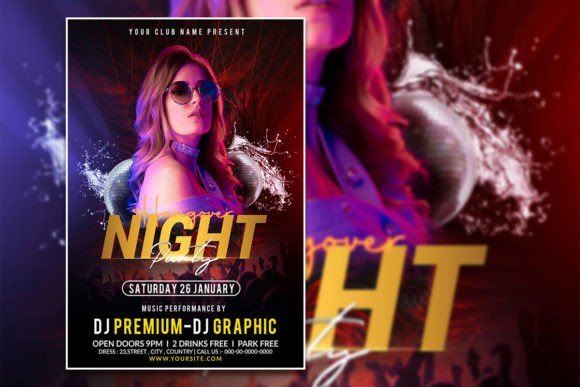
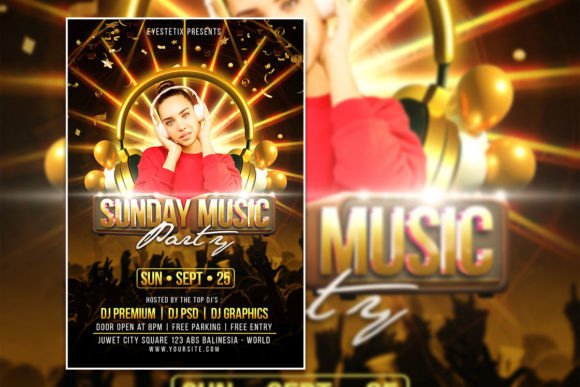
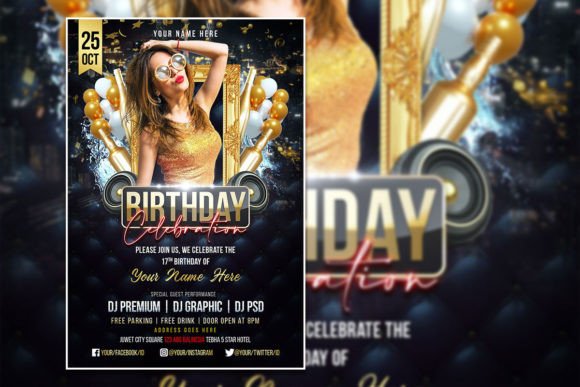
For a Night Party Flyer Template, you might want neon accents, dark gradients, and bold typography. For a Modern Party Editable PSD Template, clean lines, minimal clutter, and a vibrant color palette work well. The versatility of these templates means you can use the same base design for a birthday, a holiday party, or a corporate gathering simply by swapping the imagery and text.
How to Customize Your Flyer Like a Pro
Editing a Photoshop template might sound intimidating, but the process is straightforward. Open the PSD file in Adobe Photoshop. You do not need to be a design expert. Here is a practical workflow:
- Replace the photo. Double-click the smart object layer labeled "Photo" or "Image." A new window opens. Drag your own picture into that window, save, and close. The template automatically applies any filters, masks, or color adjustments.
- Edit the text. Select the Text tool, click on any text layer, and type your event details. Most templates include placeholder text like "Your Title Here" or "Date & Time." Change the font if you like—just select the text and choose a different typeface from the dropdown.
- Tweak colors. Use adjustment layers (Hue/Saturation, Color Balance, Gradient Map) to shift the overall mood. For a birthday celebration, you might want warmer tones. For a night party, cooler, edgier colors work better.
- Resize or reposition. If your event name is longer than the placeholder, you can move elements around. Because layers are separate, you can drag text boxes or images without affecting the background.
One common mistake is ignoring bleed and margin areas. If you plan to print the flyer, keep important text and faces away from the edges. The template's dimensions (2000 x 3000 pixels) give you plenty of room to work, but always test-print a small version before committing to a large run.
Where and How to Use Your Birthday Celebration Flyer or Poster
A Birthday Celebration Flyer or Poster is not just for physical distribution. In fact, many event promoters now use these templates as social media graphics. Post the flyer on your Facebook event page, share it in local community groups, and pin it on Pinterest. You can also upload it to Instagram as a single image or a carousel slide. Because the template is high-resolution, it looks crisp on Retina displays.
Consider these distribution channels:
- Print at home or at a local shop. Hand them out at cafes, gyms, or community centers.
- Email newsletters. Embed the flyer as an image with a link to the event registration page.
- WhatsApp and messaging apps. Send the image directly to friends and invitees.
- Digital signage. If your venue has a lobby screen, display the flyer there.
The beauty of an editable template is that you can create multiple versions for different audiences. For example, you might design a fun, colorful version for friends and a more polished, minimalist version for a corporate client. Both come from the same base template, which saves you hours of starting from scratch.
Why Resolution and Format Matter More Than You Think
One detail that separates an amateur flyer from a professional one is resolution. A template with 300 dpi at 2000 x 3000 pixels ensures your images and text are crisp. If you try to print a low-resolution file (72 dpi, for example), you will see pixelation and blur. For digital use, you can reduce the resolution, but starting with a high-quality PSD gives you the option to go either way.
The file format is also important. PSD files preserve layers, masks, and effects. JPEGs flatten everything, making future edits difficult. PNGs support transparency but lack editability. For a template you plan to reuse multiple times, PSD is the standard. Just ensure you have Adobe Photoshop installed. The software is available on a subscription basis, and there is a free trial if you need to edit a file quickly.
Color mode is another factor. RGB is best for screens—web, social media, digital ads. If your final output is a printed poster, you might want to switch to CMYK before sending the file to a printer. Most modern printers handle RGB files well, but professional print shops prefer CMYK for accurate color reproduction.
Practical Recommendations for Choosing the Right Template
Not all party flyer templates are created equal. When searching for a Birthday Celebration Flyer or Poster, look for these features:
- Clear organization. Open the preview images and look for layered file screenshots. You should see separate folders for background, text, and images.
- Font licensing. Some templates include commercial-use fonts. Others use standard fonts like Arial or Helvetica. If you need a specific style, verify that the font is either included or freely available.
- Customer support. Reputable sellers offer support if you encounter editing issues. Check reviews to see how responsive they are.
- File size. Large PSD files (50 MB or more) indicate high-quality content. Tiny files might lack detail or use low-resolution elements.
If you are new to Photoshop, start with a Modern Party Editable PSD Template that has fewer layers. As you gain confidence, you can tackle more complex designs with overlays, lighting effects, and multiple image placeholders.
Scenarios Where a Flyer Template Saves the Day
Imagine you are organizing a last-minute birthday party for a friend. You have three days to invite people. Hiring a designer takes at least two days for revisions, and you might not like the result. With an editable party flyer template, you can download, customize, and distribute the flyer within an hour. You pick a fun, colorful design, drop in a candid photo of the birthday person, add the date and time, and share it across social media. The response is immediate.
Another scenario: a nightclub promoter needs a fresh flyer every week for different themed parties. Instead of paying a designer weekly, they buy a kit of Night Party Flyer Template variations. Each week, they swap the background color, change the headline, and update the DJ lineup. The consistent branding helps the club build recognition, while the variations keep the content fresh.
For a family reunion or a milestone anniversary, a Birthday Celebration Flyer or Poster can double as a commemorative keepsake. Print a high-quality version on glossy paper and frame it after the event. Because you control the design, you can include inside jokes, meaningful quotes, and photos that capture the celebrant's personality.
Final Observations on Customizable Flyer Design
The market for event promotion is crowded. Every day, people scroll past dozens of generic invitations. A customized, well-designed flyer breaks through that monotony. The combination of editable party flyer template features—layered PSD files, high resolution, smart objects, and instant download—gives you a professional tool without the professional price tag.
Remember that the best flyer is the one that gets results. It clearly communicates the who, what, when, where, and why of your event. It reflects the mood you want to set—whether that is elegant, wild, intimate, or festive. And it invites action, whether that is clicking an RSVP link or showing up at the door.
Next time you plan a celebration, skip the generic text message. Invest in a template that you can make your own. With a few clicks and some creative choices, you will have a Birthday Celebration Flyer or Poster that captures the spirit of the occasion and gets people excited to attend.